Daily digests built from your own filters, plus smarter search
Four updates today, and one of them changes your mornings. Here's what's new in AdTruffle:
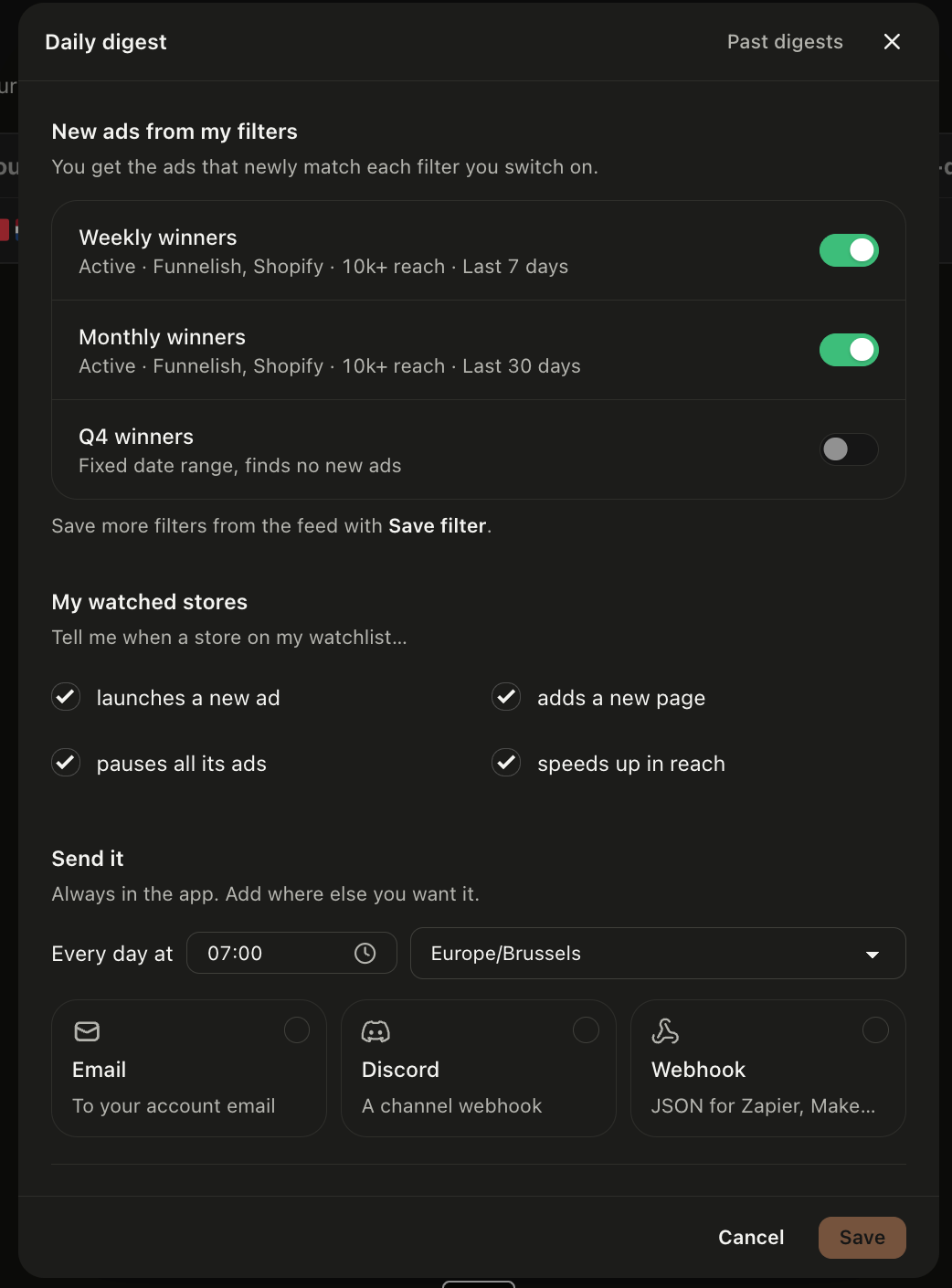
Your daily digest now follows your own filters
Until now the digest ran on a few fixed toggles. Now it's built from the filters you save in the feed, together with your watched stores. Set up any view in the feed, click Save filter and switch on "Add to my daily digest". Every morning you get the ads that newly match that filter.
For watched stores, you choose what you want to hear about: a new ad, a new page, all ads paused, or a jump in reach. You'll find it under the Daily digest button on the Watchlist page. The daily digest is included on Growth and Pro plan.
Keyword search now covers angles and products
Looking for ads for a specific product? The keyword field in the feed now also searches ad angles and product names. For example, "diabetes" or “weight loss“ now returns a lot more diabetes ads.
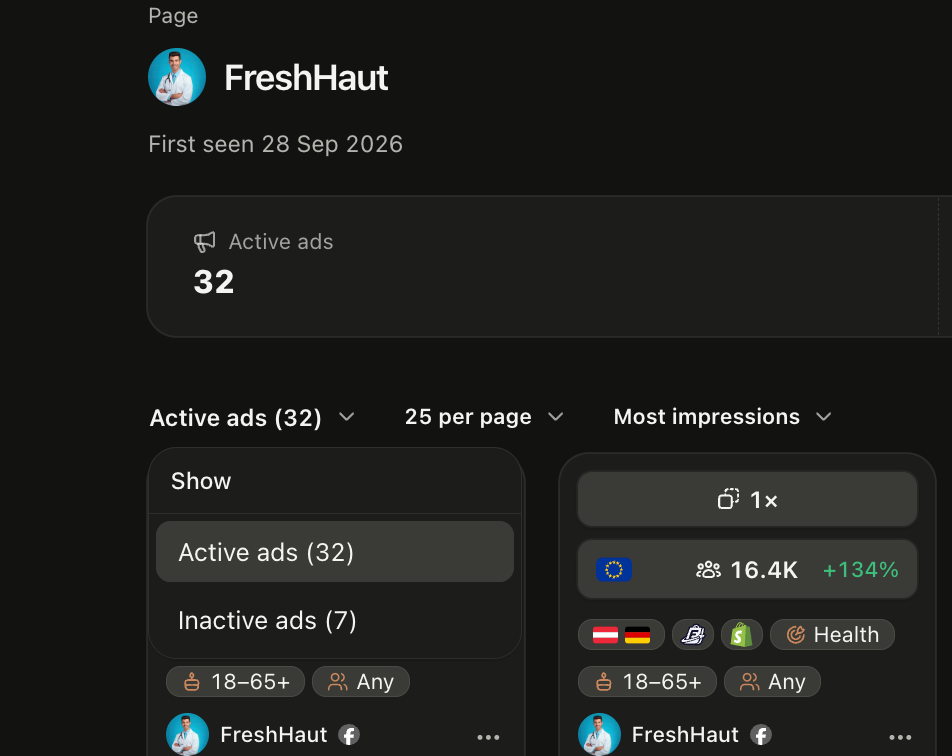
Page and store view now includes offline ads
Want to see what a page or store ran before? Use the filter button on the page or store view to show ads that are no longer active.
Technology filter now looks at the landing page only
The technology filter now matches the landing page builder only. The store platform is separate and shows as a chip on each ad card.
Got an idea?
Request it at feedback.adtruffle.com or open the support chat. We read everything.
The AdTruffle team